Jobber Social Media vs CredibleAI: Does Your Job Software Post for You?
By the CredibleAI team ·
If you already run Jobber on the Plus plan, its social media posting is included, so try it first. For most other trade owners, CredibleAI is the simpler pick: a tool built only for Facebook and Instagram posts, made from your own job photos and designed in your colors. Some owners run both.

What Does Each One Do, and Does Jobber Post to Social Media?
CredibleAI does one job, Facebook and Instagram posts from your own work; Jobber runs the jobs, quotes and invoices, and its Social Posting tool drafts and publishes posts too.
CredibleAI reads your website when you sign up, then makes Facebook and Instagram posts from your own job photos, your reviews and your local weather, each with its caption written and its picture designed in your colors and logo. You do not need any job software to use it, just your website, your phone and your pages.
Jobber's home page sums up the main product as "Quote, schedule, invoice, and get paid." On its Social Posting page, Jobber describes a tool that "turns the work you've already done into ready-to-go social media posts," and calls Social Posting "the tool in Jobber's Marketing Suite that drafts, schedules, and publishes" them.
That page names Facebook and Instagram, and Jobber's help article on Social Posting, updated 29 October 2026, also lists Google Business Profile. It works on the web, not in the Jobber mobile app.
How Do Jobber Social Media and CredibleAI Compare Side by Side?
Both draft posts from your own work and wait for a person to approve them; CredibleAI adds a set number of posts, your own design and a week scheduled in one press.
Jobber's column is from its own pages.
| What you are comparing | CredibleAI | Jobber Social Posting |
|---|---|---|
| Where drafts come from | Job photos you upload, reviews you paste in, seasons and local weather | Completed jobs, services, reviews, and the photos and videos in your Jobber account |
| Posts included | 100 a month, with unlimited people on the account | We could not find a monthly post limit on Jobber's site |
| Scheduling | One to seven posting days a week, filled in one press of Make my week, up to 31 days ahead once paid (7 days on the trial) | A date and time you set; edit or delete before it goes out |
| Before anything goes out | You approve each regular post, or press Make my week; price, warranty and license posts always wait | Jobber says "nothing goes live without your approval first" |
| Price | $199 a month, or $1,999 a year, with no job software needed | Marketing Suite add-on at $99 a month on top of a Jobber plan; included in the Plus plan |
| Channels | Facebook Pages and Instagram | Facebook, Instagram and Google Business Profile, per the help center |
| What else is included | Everything for the posts themselves: ideas, captions, design and scheduling | Email campaigns, review requests, referrals, Google posting and a Marketing Plan |
| Free trial | 7 days, up to 7 posts | 14 days of the Grow plan |
We could not find on Jobber's site whether its 14-day trial includes Marketing Suite. Its Marketing Suite page did say "Try Marketing Suite for free" to existing customers, with no length given.
What Does Each One Cost?
Jobber's pricing page shows Marketing Suite at $99 a month on top of a Jobber plan, or included in Plus, and CredibleAI costs $199 a month or $1,999 a year.
For one user, Jobber's pricing page listed Core at $49 a month with no commitment or $29 billed annually, Connect at $139 or $99, and Grow at $199 or $149. Plus, with 5 users, was $499 or $399. So a one-person Core account on monthly billing plus Marketing Suite came to $148 a month. On Plus, which starts at 5 users, Social Posting costs nothing extra.
CredibleAI is one plan with 100 posts a month, unlimited people on the account and no contract. We could not find a monthly post limit for Jobber's Social Posting on its site. Our guide to social media management cost for contractors sets these against other options.
Who Approves the Posts, and What Goes Out?
In both, a person says yes before a regular post is published: Jobber's pages state that nothing goes live without your approval, and in CredibleAI you approve each regular post or press Make my week.
The same Marketing Suite page puts it this way: "Nothing is published under your business name until you approve it." The Social Posting page says you can rewrite a draft, swap the photo, change the time or delete it.
In CredibleAI, approving a post puts it on the Planner for your next open posting day. Make my week makes a post for each open posting day in the next seven days, and pressing it is the approval. Any post can still be edited, moved or removed first, and one that mentions a price, a warranty or a license always waits for a person.
Picture the owner on a tear-off while the office manager fixes a town name in Thursday's gutter post and approves it. Both can approve, since the account has room for everyone at no extra cost.
Where Do Jobber and CredibleAI Get the Photos and Words for a Post?
CredibleAI drafts from the photos you upload, the reviews you paste in, and your local weather and calendar; Jobber drafts from what is already in your Jobber account.
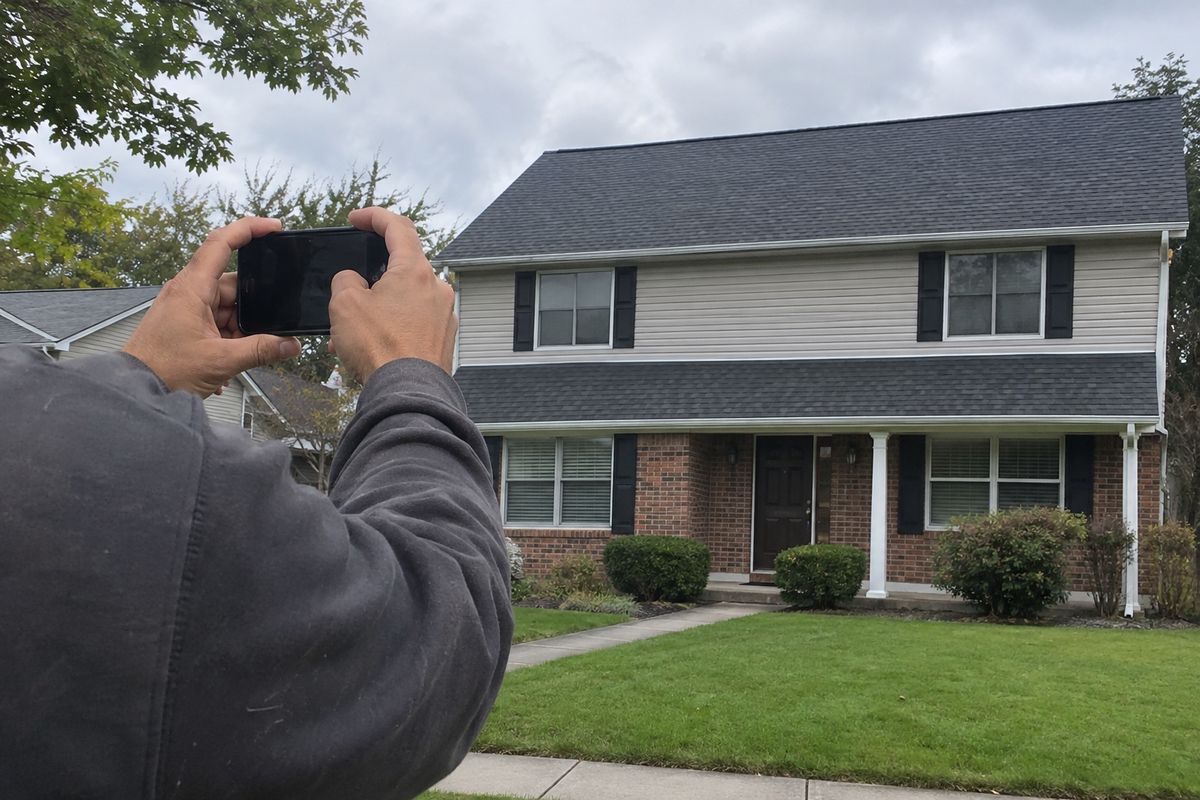
In CredibleAI, you upload job photos from your phone, and each comes back as a finished post in your colors, as our page on how to turn job photos into social media posts shows. Reviews you paste in are quoted word for word, and you tick a box to confirm you have the customer's permission. Seasons, local weather and local news show up as ideas, so there is something worth posting even in a slow week. When a post needs a picture you do not have, it can make a stand-in labeled "AI", and your own photo is always used first.
In Jobber, posts are built from "completed jobs, services, and reviews" and "the photos and videos in your account." The help center adds that Jobber AI "creates a draft for every channel you have turned on," that a Job Showcase can become a post, and that Review Showcase, on desktop only, turns 5-star Google reviews into posts.
Whichever tool writes the draft, a good job post names one real detail. Compare your drafts with these:
- "New architectural shingles finished in Maple Grove today. We replaced two soft sheets of decking over the garage before the underlayment went down."
- "Swapped out a leaking water heater in a Lakewood basement this morning. New shutoff on the cold line and a drip pan with a drain, so the next leak goes to the floor drain."
- "Fall cleanup on Elm Street. Leaves raked out from under the hedges, perennials cut back, and the gutters over the front porch cleared before the next rain."

The steps to turn Google reviews into social media posts are the same in either tool, permission included.
When Is CredibleAI the Better Fit, and Can I Run Both?
CredibleAI fits most owners who want Facebook and Instagram posting handled properly, and it runs fine next to Jobber, which keeps the jobs, quotes and invoices.
- You do not run Jobber. CredibleAI asks for your website, photos from your phone, and your Facebook Page and Instagram, connected once. Setup takes a few minutes.
- You want posts that look like your company. Each post is designed in your colors and logo, not a stock template. We could not find on Jobber's site how it designs the picture side of a post, so compare a few drafts.
- You want something to post in a slow week. Seasons and local weather show up as ideas to approve, not only finished jobs.
- You want a week scheduled in one press. Make my week fills the next seven days, and price, warranty and license posts still wait for you. Our feature page on social media automation for contractors shows how that week comes together.
- You want a set number of posts. The plan includes 100 posts a month, with unlimited people to approve them.
Running both works if you split the jobs. Jobber keeps the quote, the visit and the invoice. The tech takes photos for the job record as usual, and at the end of the day the owner uploads the best two to CredibleAI from their phone. On Sunday the owner presses Make my week, then moves the furnace post to Thursday when the cold front is due. A good review that comes back from Jobber's review requests can be pasted in with the permission box ticked. For that weekly routine in more detail, read how to automate social media posts.

When Is Jobber Social Posting the Better Fit?
Jobber Social Posting is the better fit when you already run Jobber, above all on Plus, and want posts, review requests and email in the same place as your jobs.
- You are on Plus. Marketing Suite is included, so posting adds nothing to the bill.
- Your photos are already in Jobber. If the crew attaches photos to every job, Jobber drafts from those records with no second upload.
- You want Google Business Profile posts too. Jobber's help center lists it as a channel. CredibleAI posts to Facebook and Instagram.
- You want 5-star Google reviews turned into posts. Review Showcase does that from Google reviews. In CredibleAI, you paste reviews in.
- You want more than posting. Marketing Suite also covers email campaigns, automatic review requests after jobs, referrals and a Marketing Plan, for a $99 add-on on top of a Jobber plan you already pay for.
What Should I Avoid When Choosing a Posting Tool?
Avoid paying twice for the same posts, and judge either tool by a week of drafts from your own jobs, not its sales page.
- Don't let both tools post to one page unplanned. If both are connected to your Facebook Page, decide which one posts which jobs, or the same roof shows up twice.
- Don't buy an add-on before you check your plan. Plus already includes Marketing Suite. Jobber's help center says your plan is under the gear icon, then Account and Billing.
- Don't treat a missing line on a sales page as a no. Ask the vendor or check inside the account.
- Don't post a customer's house without asking. Text for a yes first, and crop house numbers, plates and faces.
- Don't approve without reading. A draft is a draft. Check the town name, the job, and any price before your name goes on it.
- Don't judge on one post. Look at a full week of drafts made from your own photos.
How Do I Try CredibleAI?
CredibleAI is one plan at $199 a month, or $1,999 a year paid up front, with 100 posts a month. The 7-day free trial covers up to 7 posts, and if you cancel before it ends, you pay nothing. Put in your website, connect your Facebook Page and Instagram, and your first posts are ready to review the same day. A person approves each regular post, or presses Make my week to schedule the next seven days at once.
Jobber Vs CredibleAI FAQ: What Else Do Owners Ask?
Does Jobber Post to Social Media?
Yes. Jobber's Social Posting, in its Marketing Suite, publishes to Facebook and Instagram, and its help center also lists Google Business Profile. Drafts come from the jobs, reviews and photos in your account, and Jobber states that nothing goes live until you approve it. It runs on the web, not the mobile app.
Is Jobber Social Posting Included in My Plan?
It depends on the plan. Jobber's Social Posting page says Marketing Suite is included with Plus and is a paid add-on on its other paid plans. The pricing page shows that add-on at $99 a month. Check your own plan under the gear icon, then Account and Billing, before you add anything.
Do I Need Jobber to Use CredibleAI?
No. CredibleAI asks for your website address at sign-up, photos from your jobs uploaded from your phone, and your Facebook Page and Instagram connected once. It reads your services, area, colors and logo from the website. An owner who runs Jobber for quotes and invoices could still use CredibleAI for posting.
Can CredibleAI Use My Google Reviews?
CredibleAI turns customer reviews you paste in into posts, quoted word for word over a job photo, with a tick to confirm you have permission to share them. Reviews quoted on your own website are also picked up at sign-up. Saving a review never posts it by itself, because you approve the post first.
Will Either Tool Bring Me More Jobs?
Neither one can promise jobs. What steady posting does is simpler: a homeowner who looks you up sees recent local work and is more likely to call. Pick the tool you will keep using every week, and judge it by the drafts you approve.