ChatGPT vs CredibleAI for Contractor Social Media Posts
By the CredibleAI team ·
In ChatGPT vs CredibleAI, ChatGPT writes a caption from the details you type in, and the photo and the posting are still yours to do. CredibleAI makes the whole post from your own jobs, designs it in your colors and schedules it once you approve. Pick ChatGPT if you will keep the weekly habit yourself.
What Do ChatGPT and CredibleAI Each Do?
CredibleAI makes and schedules posts from your jobs, and ChatGPT writes what you ask for. Every fact about ChatGPT below comes from OpenAI's own pages, each one linked.
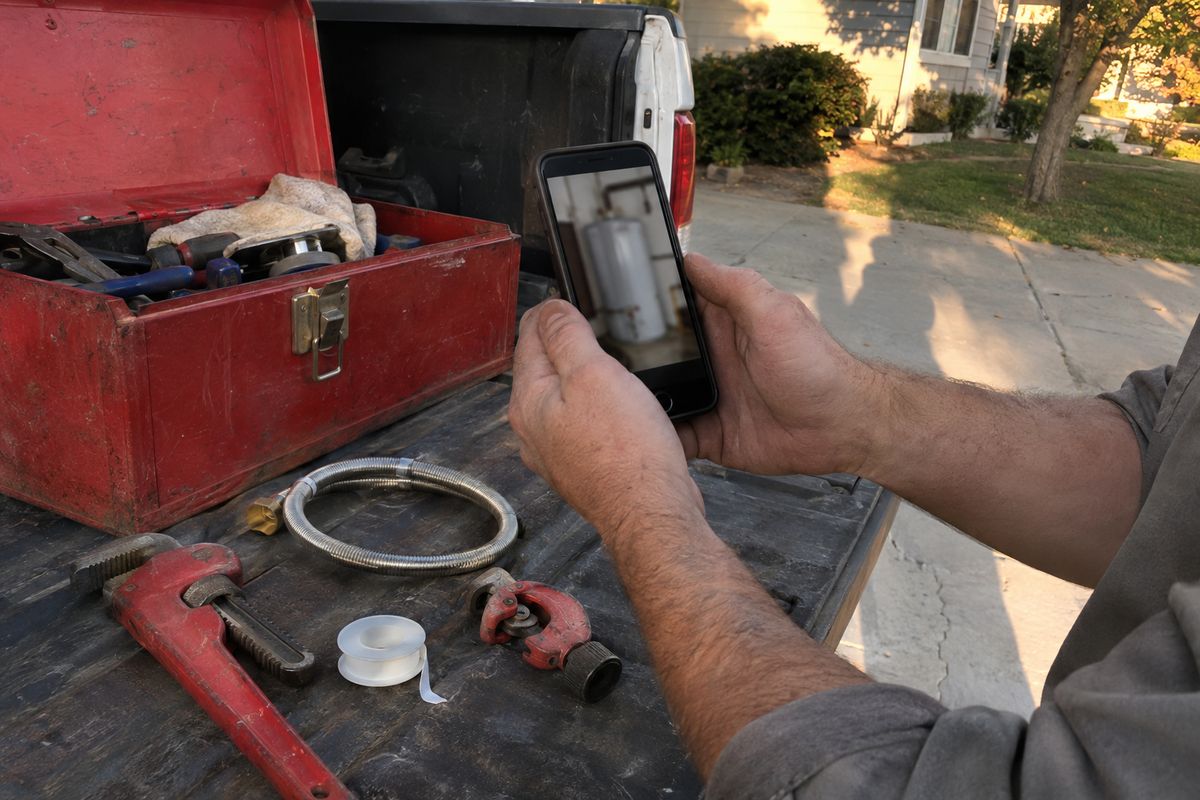
ChatGPT is OpenAI's AI assistant. You type what you want and it writes it: a caption, a reply to a customer, an estimate cover letter. It does not see your jobs unless you tell it about them or connect an app.
CredibleAI reads your website when you sign up, takes the job photos you upload from your phone, and turns them into Facebook and Instagram posts with the caption written and the picture designed in your colors and logo. New posts arrive as ideas. Approving one puts it on the Planner on your next open posting day, and Make my week makes a post for each open day in the next seven and schedules them in one press. Any post can be edited, moved or removed before it goes out, and one that mentions a price, a warranty or a license always waits for a person to read it.
How Do ChatGPT and CredibleAI Compare Side by Side?
Side by side, CredibleAI makes and schedules the week for your approval, and ChatGPT is a writer you direct one post at a time.
ChatGPT's column is from OpenAI's own pages.
| What you are comparing | CredibleAI | ChatGPT |
|---|---|---|
| What it is | A tool that makes and schedules Facebook and Instagram posts from your jobs | An AI assistant that writes what you type a request for |
| Where the words come from | Your website, job photos, pasted reviews, the season and local weather | Your prompt and the details you type in |
| Pictures | Your job photos, designed in your colors and logo; labeled stand-in pictures until you have your own | Image creation on its plans, limited on Free |
| Posting to Facebook and Instagram | Posts to the Facebook Page and Instagram account you connect | We could not find a Facebook or Instagram app on OpenAI's help pages |
| Schedule | You pick one to seven posting days a week, and Make my week fills them in one press | Scheduled tasks can run on a schedule and send you the result by push or email |
| Who approves | A person approves each regular post or presses Make my week; price, warranty and license posts always wait | You, when you copy it and post it yourself |
| Price | $199 a month or $1,999 a year, 100 posts a month | Free plan; Plus is $20 a month |
| Free to try | 7-day free trial, up to 7 posts | Free plan |
How Much Do ChatGPT and CredibleAI Cost?
ChatGPT has a Free plan and Plus at $20 a month, and CredibleAI is one plan at $199 a month or $1,999 a year.
OpenAI's help center lists ChatGPT Plus at $20 a month, billed monthly. OpenAI's pricing page describes the Free plan as "Intelligence for everyday tasks" and lists its other plans: Go, Pro, Business and Enterprise.
CredibleAI is $199 a month, or $1,999 a year paid up front. That includes up to 100 posts a month, unlimited people on the account and no contract. The price gap is real, so count your own time before you decide: the evening spent finding a photo, writing the prompt, fixing the caption and posting it, every week. With CredibleAI that evening becomes reading the week's posts and approving them. Our breakdown of social media management cost for contractors walks through that math.
Can ChatGPT Post to Facebook or Instagram by Itself?
We could not find any page on OpenAI's site that says ChatGPT publishes to a Facebook Page or Instagram by itself.
OpenAI's scheduled tasks page says "ChatGPT can run one-time or recurring tasks", and you choose to get the results by push, email or both (Scheduled tasks in ChatGPT). On the free plan, a recurring task runs no more than once a day. The apps named for tasks are Gmail, Slack and GitHub. The list of connected apps names Google Drive, Canva, Notion, Outlook and others, and we did not see Facebook, Instagram or Meta on it.
OpenAI's Work agent has a cloud browser that can "read web pages, click buttons, enter information into forms" on paid plans other than Free and Go. When it reaches a supported sign-in page it pauses for you to sign in, and it is built to ask before steps that are hard to undo. The page does not mention Facebook or Instagram, so we are not saying it can or cannot post there.
So the route with ChatGPT is to copy the caption, open your page, attach the photo and post or schedule it yourself. If you go that way, the guide on how to automate social media posts covers free ways to schedule, and the best time to post on Facebook for contractors helps you pick the slot.
Where Do the Job Photos and Captions Come From With Each One?
With CredibleAI the words and the design come from your jobs, your reviews and your website; with ChatGPT the words come from what you type and the photo comes from your phone.
We ran five contractor prompts through gpt-6-sol, an OpenAI model, using OpenAI's Codex command-line tool on a ChatGPT plan, on 17 November 2026. Two of them show the difference the details make.
The first prompt was one line: "Write a Facebook post for my plumbing company." With only that line, it wrote a general post with an emoji and three hashtags, because it had nothing else to go on.
The second prompt gave the job:
Write a Facebook post for my plumbing company about a water heater we replaced today in Maple Grove. It was a 50-gallon gas unit. The old one was 14 years old and leaking at the base. The job took 3 hours. Plain and friendly, under 80 words, no emojis, no hashtags.
That one opened "We replaced a water heater in Maple Grove today." It then added a line about hot water being back and a request to call, which we had not given it, so read every line before you post. When we asked for a warranty post without giving the terms, it left "[warranty details]" for the owner to fill in.
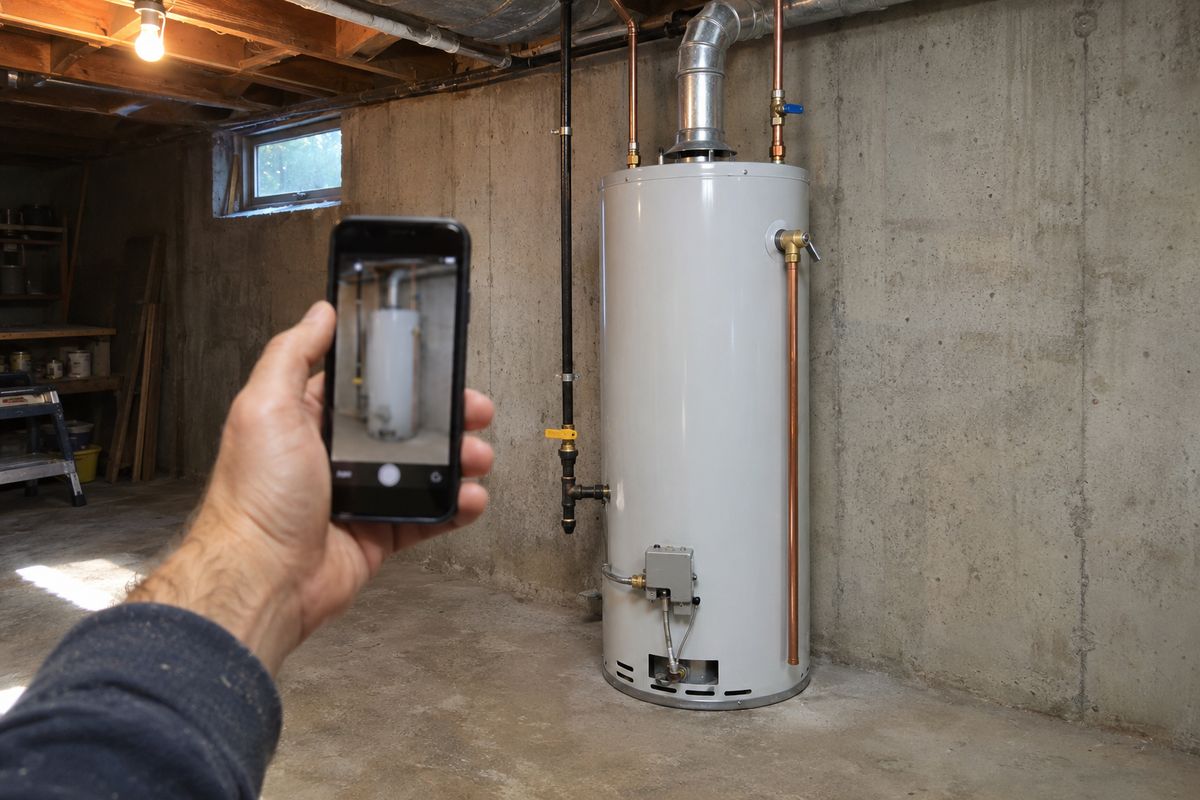
So with ChatGPT, the work is in the prompt. Someone has to remember the town, the tank size and what was wrong, type it in, and then take a photo worth posting. The tips on before and after roofing pictures apply to any trade: same spot, same angle, no house numbers.
CredibleAI starts from what you already have. You upload the photo of the new tank and the flue connection, and the post comes back with a caption and a design, with no prompt to write. Reviews you paste in, with a tick to say the customer agreed, are quoted word for word, the same way you would turn Google reviews into social media posts by hand.
When Is CredibleAI the Better Fit?
CredibleAI is the better fit for most busy trade owners: posts keep slipping, the job photos sit on your phone, and you want the week made for you to approve.
- The habit keeps breaking. You pick the posting days, and posts are made for them without you starting from a blank box.
- Your photos sit in the camera roll. Upload them and they come back as job photo posts designed in your colors.
- The office should be able to help. Unlimited people on one account, so the owner and the office can both approve.
- You want Facebook and Instagram handled together. You link both accounts at sign-up, and an approved post goes out on each. Instagram needs a Business or Creator account. If you post by hand instead, the guide to automatically posting Facebook to Instagram covers Meta's own link between the two.
- You have no good photos yet. Most layouts do not need one, and the rest can use a stand-in picture labeled AI until your own photos come in.
When Is ChatGPT the Better Fit?
ChatGPT is the better fit when you post now and then, enjoy writing, and want one assistant for captions and more.
- You already have a habit. If you post every Friday from the truck and only want help with wording, an assistant may be all you need.
- You post rarely. A crew that posts a finished deck once a month does not need a $199 plan.
- You want one tool for everything. You can also ask it to draft the estimate follow-up or the job listing for a new apprentice. CredibleAI makes Facebook and Instagram posts.
- Money is tight this season. OpenAI lists a Free plan, and Plus is $20 a month.
A good weekly use of ChatGPT looks like this: you text yourself three facts from the job site, paste them in on Friday, ask for a short plain caption with no emoji, attach the photo and post it. Do that every Friday.
What Should I Avoid When Choosing Between Them?
Avoid picking on price or features alone, and be honest about who will actually do the posting each week.
- Don't post a caption you have not checked against the job. Whichever tool wrote it, if a line says "same-day service" and you do not offer it, cut it.
- Don't post the emoji and hashtags by reflex. Ask for plain words up front, as in the second prompt above.
- Don't use an AI picture as if it were your job. A made-up roof is not your roof. CredibleAI labels its stand-in pictures as AI for that reason.
- Don't pay for a tool nobody will open. If nobody will approve posts on Monday, the posts will not go out.
- Don't assume a tool can post for you. Check the vendor's own help pages on the day you decide.
How Do I Try CredibleAI?
You can try CredibleAI free for 7 days, up to 7 posts, and then it is $199 a month or $1,999 a year. Give it your website and connect your Facebook Page and Instagram, and the first posts are ready to review that day. Each regular post waits for a person to approve it, or one press of Make my week schedules the next seven days. There is no contract, and you can cancel any time from the Billing page.
ChatGPT Vs CredibleAI FAQ: What Else Do Owners Ask?
Can I Use ChatGPT and CredibleAI Together?
Yes. Use ChatGPT for estimates, emails and job listings, and let CredibleAI handle the weekly posts from your job photos. If you rewrite a CredibleAI caption with ChatGPT's help, paste it back before you approve the post. Any post can be edited, moved or removed until it goes out.
Does ChatGPT Make Up Details in a Post?
In our five test prompts from 17 November 2026, gpt-6-sol left brackets such as [warranty details] where we had not given facts, and in three answers added a sentence we had not supplied, such as a request to call. That was five prompts, not a verdict. Read every caption against the job before you post it, whichever tool wrote it.
Is the Free ChatGPT Plan Enough for Contractor Social Media?
OpenAI's pricing page describes the Free plan as "Intelligence for everyday tasks" with "Limited image creation". It will not take the job photo, and we could not find a way on OpenAI's pages for it to post to your Facebook Page. If you do those parts yourself every week, it may be enough.
Will Posts From Either Tool Sound Like a Machine Wrote Them?
They can, if the post has no real details. A caption that names the town, the tank size and what was leaking gives readers something real. Give ChatGPT those facts in the prompt. CredibleAI writes from your recent jobs, your reviews and your local weather, and you can edit any caption before it goes out.
What Happens to My Posts If I Stop Paying for CredibleAI?
Posts already published stay on your Facebook and Instagram pages; they are yours. After the paid period ends, the account is paused: nothing new is made or posted, and everything is kept. There is no contract, so you can cancel any time from the Billing page, and the plan runs to the end of the period paid for.