Social media for HVAC companies
HVAC social media marketing from your real jobs
HVAC social media marketing is the Facebook and Instagram page homeowners check when their system quits and they need to pick who to call. CredibleAI makes the posts from your install photos, your reviews and the local forecast, so a worried search turns into leads and calls.
7 days free, then $199 a month. Cancel any time from Billing.
Which HVAC Jobs Make Good Facebook Posts?
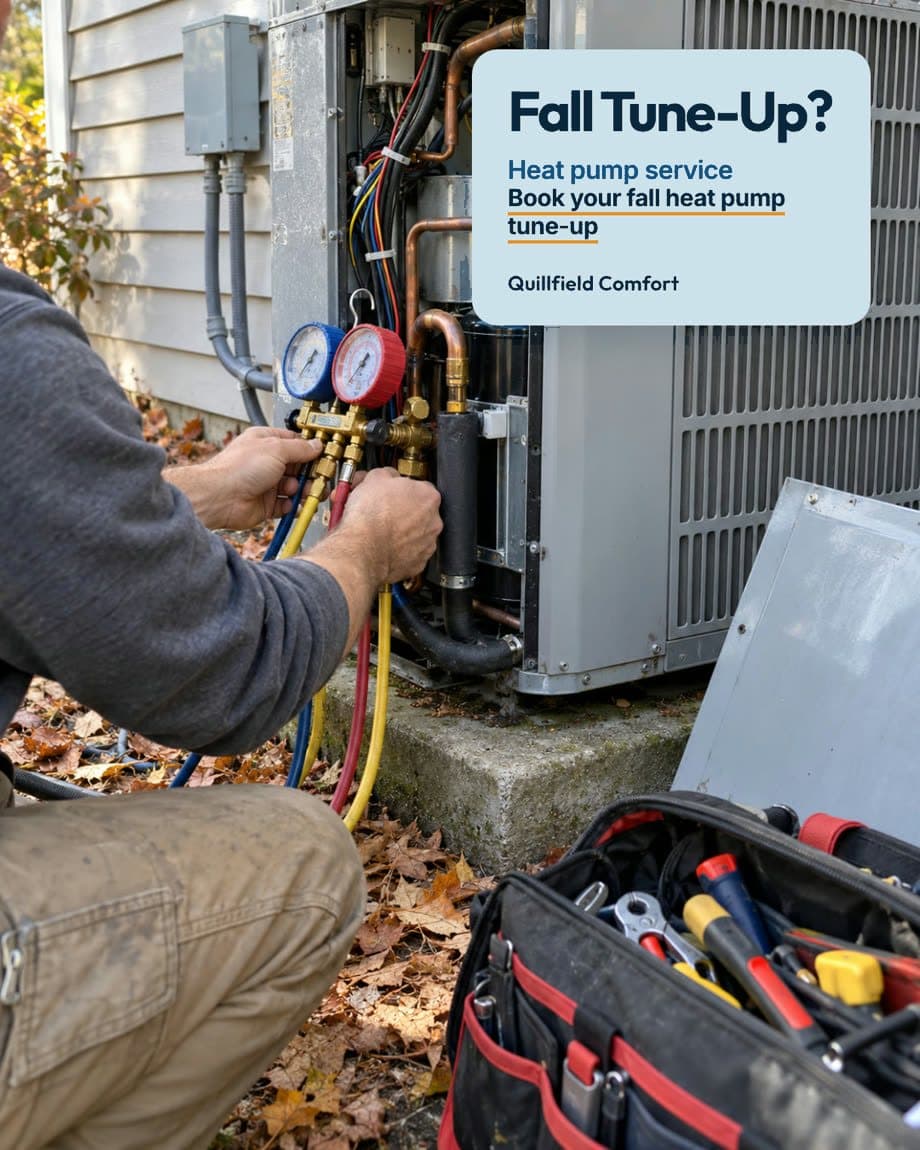
Tune-ups, furnace swaps, air quality tips and filter advice make the best HVAC posts. Each one shows a job a homeowner recognizes from their own house.
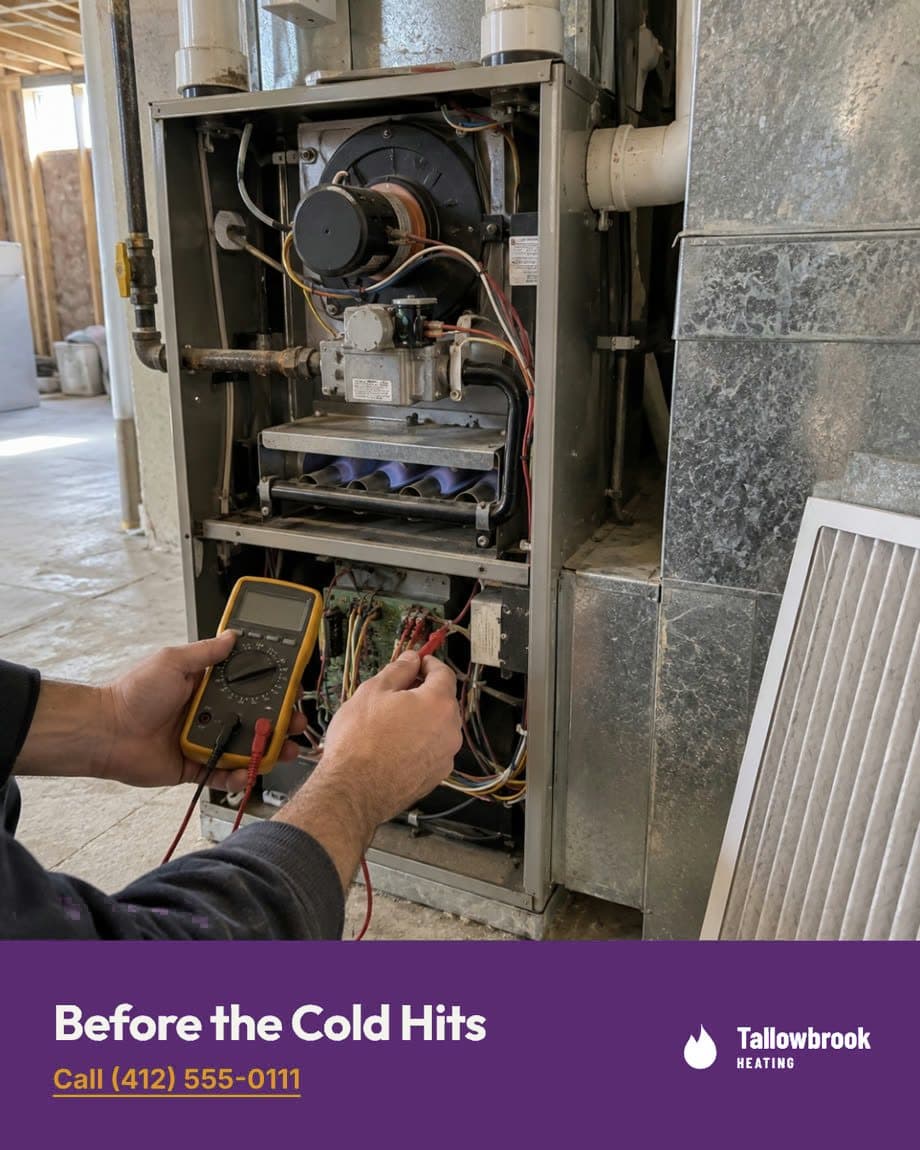
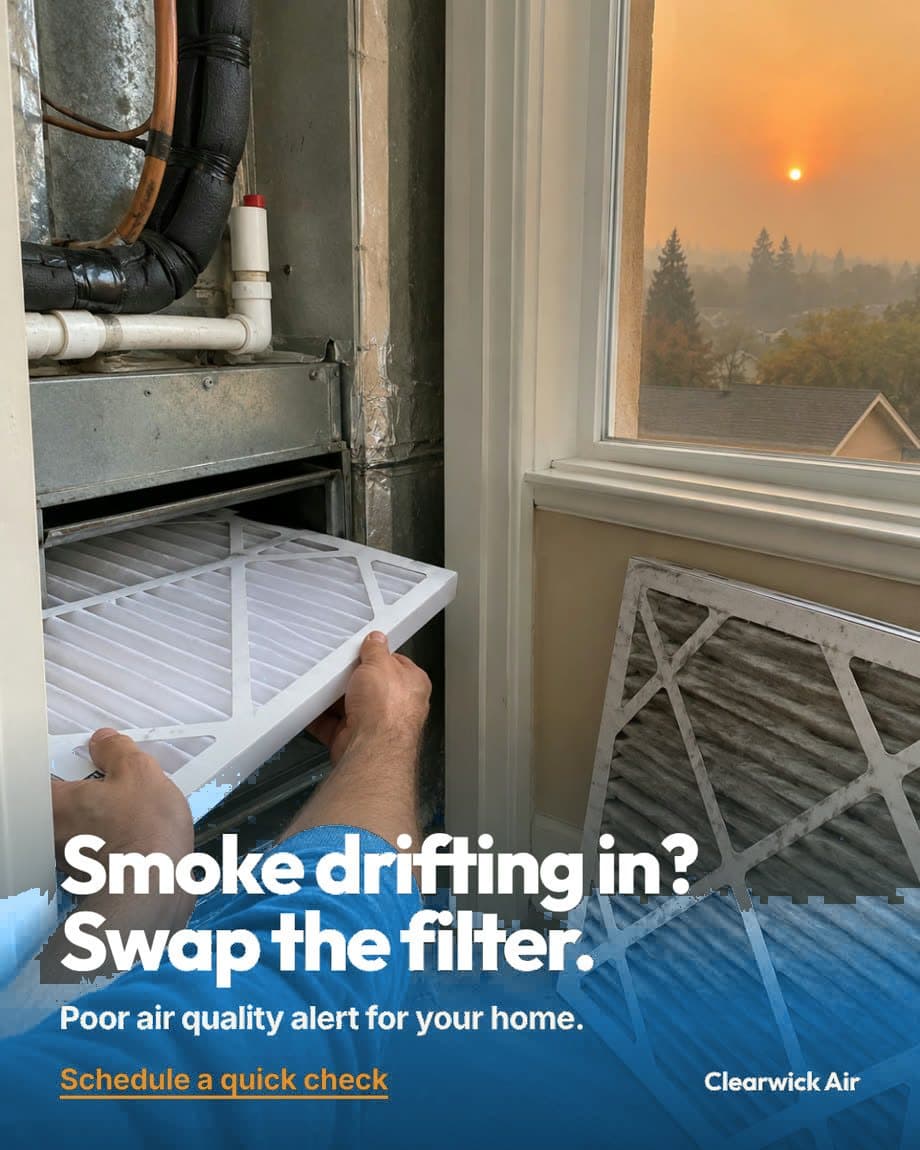
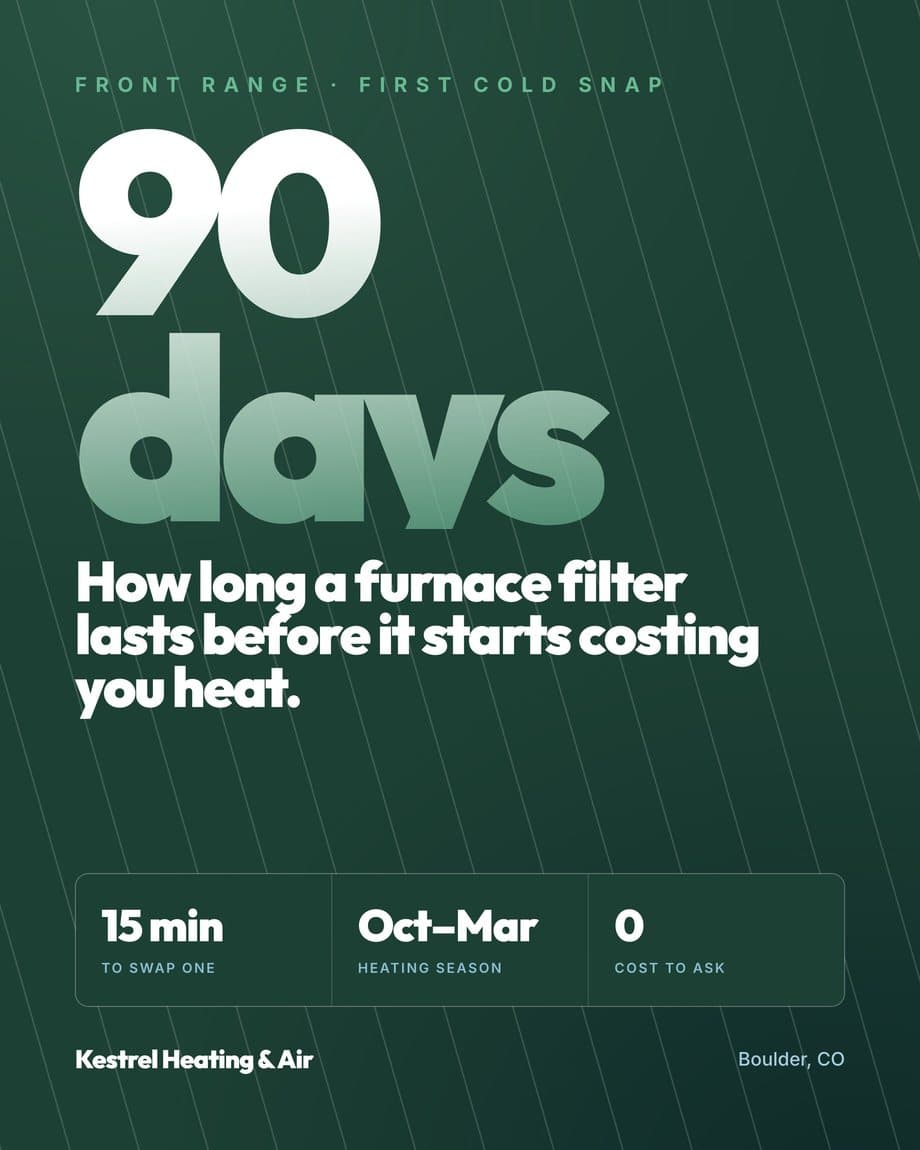
Demo posts made by CredibleAI. The businesses, their reviews and their photos are invented. Your posts use your own jobs.
How Do I Turn an HVAC Install Into a Facebook Post?
An install turns into a post after three quick things from you: your website, a few photos and your approval. The writing and layout are done for you.
Share your website
While you finish signing up, we read which systems you install and service, the towns you cover and the colors you use.
Take a few photos on each call
The new unit on its pad, a clean coil, a tidy line set, the furnace that used to be there. Your phone is enough.
The posts follow the weather
Each post is written and laid out for you. A tune-up reminder goes up before the first hot week, and a furnace check before the first freeze.
Approve it
Read each post before it goes out, then approve it for one of your posting days.
HVAC Social Media Marketing: Quick Answers for Facebook and Instagram
What Are Good HVAC Social Media Post Ideas?
Post installs and tune-ups from nearby streets, plus seasonal tips. Homeowners check your page when their system quits.
- New unit installed, with the old one beside it
- Tune-up photos: a clean coil or filter
- Seasonal tips before the first heat or freeze
Post this: Old system and new, same spot
Skip: Stock photos of strangers' furnaces
What Should an HVAC Company Post Before Summer?
Post a tune-up reminder two weeks before the first hot spell, with a photo of a job you did. Keep it to one ask.
- Cooling check reminder with a real tune-up photo
- How to book, in one line
- Your towns named, not just the region
Post this: One reminder, one photo, one ask
Skip: A long list of every service
What Do I Post on Facebook During an HVAC No-Heat Rush?
Post simple checks first: thermostat batteries, the breaker, a clogged filter. Then say you are taking calls and how to reach you.
- Thermostat, breaker and filter checks in plain words
- Burning smell or CO alarm: stop and call for help
- How to reach you, in one line
Post this: Quick checks, then how to call
Skip: Fear-based posts about dangerous heaters
How Do I Post an HVAC System Replacement on Facebook?
Show the old unit, why repair stopped making sense and the new system in place. Add a short homeowner quote if you have one.
- The old unit that failed
- Why replacing beat another repair
- The new system: quieter run, tidy install
Post this: Old unit, reason, new unit
Skip: Customer addresses in the photo
How Do I Promote an HVAC Maintenance Plan on Facebook?
Say what the plan includes in plain words, and show a real tune-up. Skip any price or response time you have not set.
- What is checked on each visit, as a short list
- A real tune-up photo with the tech's first name
- Priority scheduling only if the plan truly gives it
Post this: A tune-up photo and what's checked
Skip: Promises you cannot keep