Apaya vs CredibleAI: Which AI Posting Tool Fits a Trade Business?
By the CredibleAI team ·
In Apaya vs CredibleAI, a trade business that posts to Facebook and Instagram is usually better served by CredibleAI: posts built from your own job photos and reviews, designed in your colors, with the whole office able to approve on one plan. Apaya suits owners who need more networks, several brands or a cheaper first plan.
What Do Apaya and CredibleAI Each Do?
Both read your website and write posts for you to review; CredibleAI is built around a trade business's own jobs on Facebook and Instagram, while Apaya spreads across more networks.
CredibleAI reads your website at sign-up: services, area, photos, brand colors and logo. From then on, posts come from your job photos, your customer reviews, the seasons and the weather near you, and each one arrives with its caption written and its picture designed in your colors and logo. It posts to Facebook Pages and Instagram, and it has a page for each of 14 trades, from roofing to trade suppliers.
Apaya's small business page says it "reads your website and builds your profile: what you do, how you talk, your services, your reviews, your photos." The same page lists seven networks: Facebook, Instagram, Google Business Profile, LinkedIn, X, TikTok and Pinterest. Its pages do not all agree on that list. The FAQ names five, and the platforms page also describes YouTube Shorts, Bluesky and Threads.
How Do Apaya and CredibleAI Compare Side by Side?
CredibleAI is one plan with 100 posts a month and room for the whole office; Apaya starts cheaper and covers more networks.
Apaya's figures are from its pricing page and small business page.
| What you are comparing | CredibleAI | Apaya |
|---|---|---|
| Where posts start | Your website, job photos from your phone, reviews you paste in, seasons and local weather | Your website, photos and videos you upload, topics or a one-line idea |
| People on the account | Unlimited people at no extra cost | Spark lists 1 user; team collaboration starts on Blaze |
| Approval | A person approves each regular post or presses Make my week; price, warranty and license posts always wait | Review each post or turn on automatic publishing per campaign; the Workflow Engine is listed on Supernova |
| Posts included | 100 a month | We could not find a post count on its pricing page |
| Free trial | 7 days, up to 7 posts | 3 days |
| Price, billed monthly | $199 a month, one plan | Spark $69, Blaze $129, Supernova $229 a month |
| Price, billed yearly | $1,999 a year, paid up front | Spark $662 ($55 a month), Blaze $1,239 ($103), Supernova $2,198 ($183) a year |
| Networks | Facebook Pages and Instagram | Seven on its small business page; Spark connects 4 accounts, Blaze and Supernova all |
What Does Apaya Cost Next to CredibleAI?
Apaya's pricing page lists Spark at $69 a month, Blaze at $129 and Supernova at $229 billed monthly; CredibleAI is $199 a month or $1,999 a year.
Billed yearly, the Apaya pricing page headlines $55, $103 and $183 a month, which it bills as $662, $1,239 and $2,198 a year. Each plan covers one brand. Spark connects 4 social accounts; all of them start on Blaze at $129 a month on the same pricing page. The plan cards list an extra brand at $59 a month on Spark and Blaze and $89 on Supernova, while the pricing FAQ says "$49/mo per brand (annual) or $59/mo per brand (monthly)." We could not find a monthly post count for any plan on Apaya's pricing page, so we do not compare volume.
Apaya's contractors guide, last updated April 3, 2026, shows $59 to $109 a month, which does not match the pricing page, so go by the plan cards.
CredibleAI has one plan at $199 a month, or $1,999 a year paid up front. The plan includes 100 posts a month, and there is no contract. Unlimited people are included, so the price stays the same when the office manager or a second owner needs to log in. For freelancer and agency prices too, see our breakdown of social media management cost for contractors.
Who Approves the Posts Before They Go Out?
On CredibleAI a person approves each regular post or presses Make my week, and a post that mentions a price, a warranty or a license always waits; on Apaya you choose per campaign whether posts wait for review.
CredibleAI sends new posts in as ideas, and a regular post goes out only after a person approves or schedules it. Make my week is one button that makes a post for each open posting day in the next 7 days, and pressing it is the approval. Any post can still be edited, moved or removed before it goes out.
Say the office manager presses Make my week on Monday. If one of those posts mentions a price, a warranty or a license, it still waits for a person to read it, so a price or a warranty line never goes out unread.
Apaya's small business page says: "Review and approve each post, or enable automatic publishing for campaigns you choose." Its collaboration page describes roles such as Owner, Approver and Viewer, and approval steps that keep the publish button locked until someone signs off. The pricing page lists that structured approval, the Workflow Engine, on Supernova, and lists 1 user on Spark.
Where Do the Photos and the Words Come From?
CredibleAI starts from your job photos, reviews, seasons and local weather, and always uses your own photo first; Apaya also writes from topics, your website and one-line ideas.
On CredibleAI you upload job photos from your phone, and your own photo is always used first, so your page shows real roofs, real basements and real crews in your town. You paste reviews in with a tick to confirm the customer's permission, and reviews quoted on your website are picked up at sign-up. When a layout needs a picture you do not have, it can make a stand-in labeled "AI" in your library.
Apaya says photos "from the job site or the shop become designed posts," and that you can upload your own photos and videos. It also says the reviews on your website become posts, and that you can type one line about "a cancellation, a special, a weather closure" and get posts back.
Whichever tool you pick, hand it good photos. Take these while you are standing in the job:
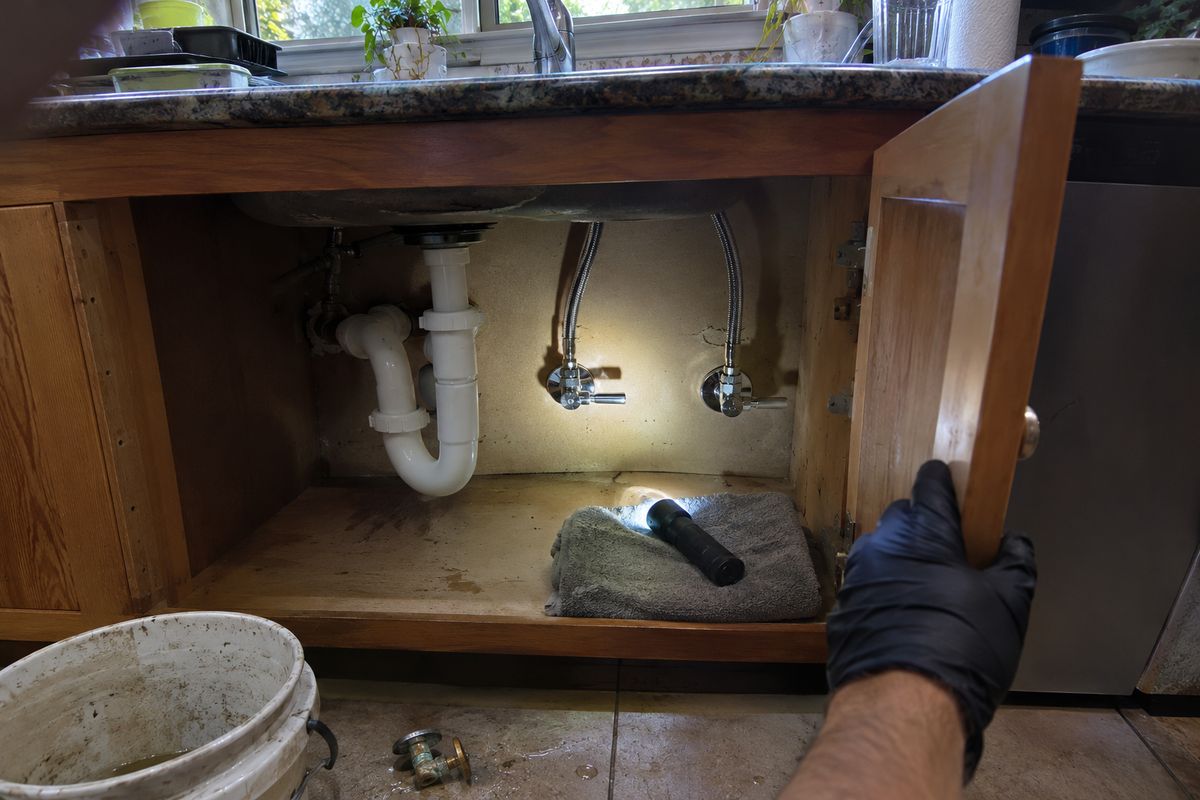
- The part nobody sees. The new shutoffs under the kitchen sink with the cabinet doors open and a flashlight on them.
- The problem you found. Soft decking along the north eave after tear-off, before new underlayment goes down.
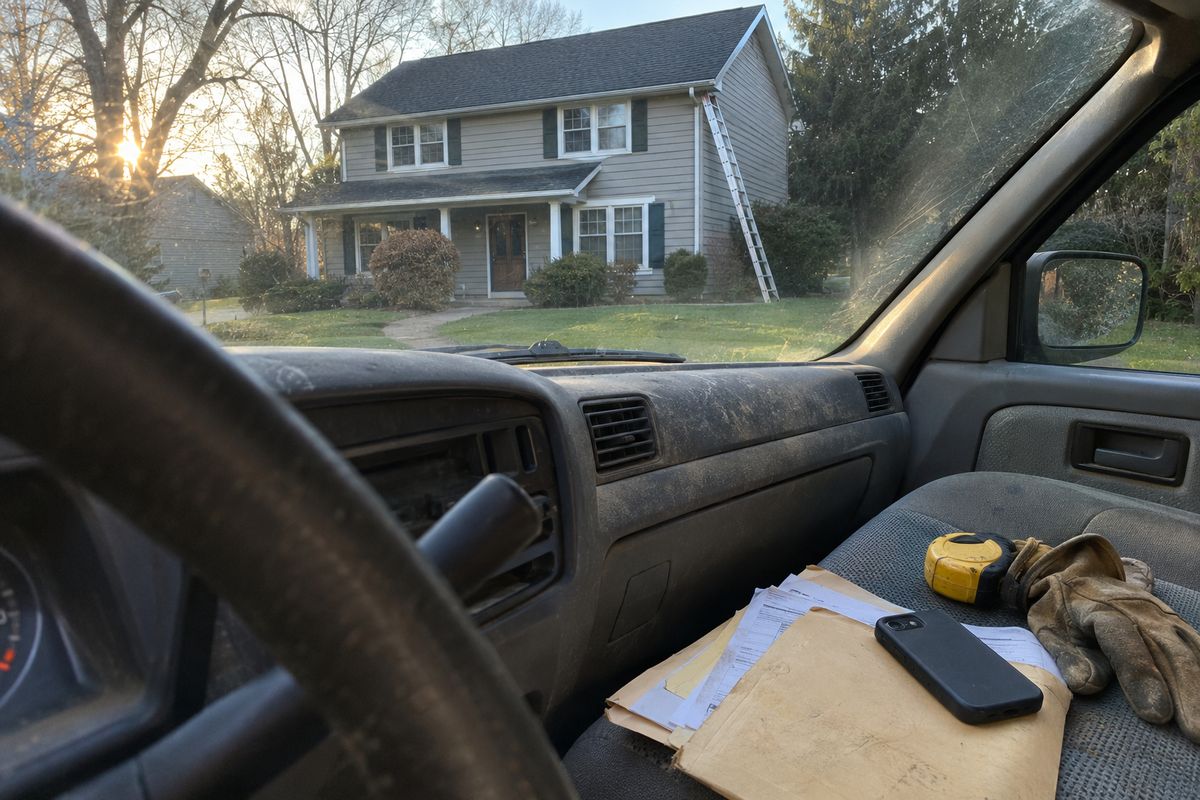
- The finished job from the street. The whole house, a clean yard and no house number in the frame.
A caption for the first: "New shutoffs under the kitchen sink in [town]. The old valves were seized, so we put in quarter-turn valves and braided lines." For the second: "Tear-off in [town] today. Found soft decking on the north side and replaced it before the underlayment went on." Our guide to before and after roofing pictures covers shooting, and turn Google reviews into social media posts covers quoting a customer.
When Is CredibleAI the Better Fit?
CredibleAI is the better fit for most trade businesses: you post to Facebook and Instagram, you want a person to sign off, and your best material is the work you did this week.
- Your best material is your own work. Posts start from the photos on your phone and the reviews customers gave you, so a homeowner who finds your page sees jobs you actually did. Our page on how to turn job photos into social media posts shows how that works.
- The whole office can help. The owner and the office both approve on the one $199 plan, with unlimited people at no extra cost. Apaya lists team collaboration, with roles, from Blaze at $129 a month.
- You want a safety net. A post that mentions a price, a warranty or a license always waits for a person, even after Make my week.
- You post to Facebook and Instagram. Connect your pages once and each post goes to both. Our guide on how to automatically post from Facebook to Instagram covers the other ways to do that.
- You want one simple plan. 100 posts a month for $199 a month or $1,999 a year, after a 7-day trial, up to 7 posts, long enough to see a week of your own jobs as posts.
If you came looking for an Apaya alternative for a trade business, CredibleAI has a page for each of 14 trades on social media for every trade.
When Is Apaya the Better Fit?
Apaya is the better fit when you need networks beyond Facebook and Instagram, a lower entry price, or several brands and clients in one place.
- You need more networks. If Google Business Profile, LinkedIn or TikTok are part of your plan, Apaya lists them on its small business page. CredibleAI posts to Facebook Pages and Instagram.
- You want to start cheaper. Spark is listed at $69 a month ($55 a month if billed yearly) on the pricing page. Spark connects 4 social accounts; all of them start on Blaze at $129 a month on the same pricing page.
- You run more than one brand, or you are an agency. Apaya sells extra brands, lists a white-label platform on Supernova, and has separate agency plans.
- You want blog articles. Blaze lists Blog Autopilot for turning "social posts into SEO-friendly blog articles."
- You want some campaigns to publish on their own. Its small business page says you can enable automatic publishing per campaign.
If one of those is a must, Apaya is the better pick.
What Should You Avoid When Choosing Between Them?
Check the networks you post to each week, who needs to sign off, and which photos you can give it before you look at price.
- Don't compare prices from blog posts. Apaya's contractors guide and its pricing page show different figures, so use the pricing page.
- Don't pay for networks you won't use. A long network list only helps if you post there. Write down the networks you post to each week, and pick the plan that covers those.
- Don't skip the approval question. Check which plan lets each person who signs off log in.
- Don't run the trial with stock pictures. Upload this week's real jobs, so you judge what your page will show.
- Don't assume either tool answers comments. Apaya's pricing page lists replying to comments and DMs as not offered on any plan. Whichever tool you pick, someone in your office still reads the comments, and our guide on turning Facebook comments into roofing jobs covers what to say.
How Can You Try CredibleAI Before You Pay?
You can try CredibleAI free for 7 days, up to 7 posts, then it is $199 a month or $1,999 a year. Put in your website, and it reads it while you finish signing up, so your first posts are ready to review the same day. A person approves each regular post, or presses Make my week to schedule the next seven days in one press. Cancel before the trial ends and you pay nothing.
Apaya Vs CredibleAI FAQ: What Else Do Owners Ask?
Do Apaya and CredibleAI Both Have a Free Trial?
Yes. Apaya's pricing page offers a 3-day free trial with "$0 today," and says cancelling during the trial ends access at once with no charge. CredibleAI's free trial lasts 7 days and covers up to 7 posts, and if you cancel before it ends you pay nothing. Use either trial with real job photos.
Can I Cancel Apaya or CredibleAI Any Time?
Yes, both say so. Apaya's pricing page says that after you cancel a paid plan, "access continues through the end of the current billing period." CredibleAI has no contract: you cancel from the Billing page and the plan runs to the end of the period you already paid for. Posts already published stay on your pages.
Does Apaya Post to Google Business Profile?
Yes. Its small business page lists Google Business Profile with Facebook, Instagram, LinkedIn, X, TikTok and Pinterest. Its FAQ lists a shorter set, so confirm before you rely on it. CredibleAI posts to Facebook Pages and Instagram only, so for Google Business Profile posting, Apaya covers it.
Do I Need an Instagram Business Account for Either One?
Yes for both, in slightly different words. Apaya's FAQ says Instagram needs "a Professional or Business account that is linked to a Facebook Page," and personal accounts cannot connect. CredibleAI needs an Instagram Business or Creator account. Check which type you have before you start either trial, so the first day goes on posts and not on setup.
Which Is Better for a Roofing, HVAC or Plumbing Company?
For most of them, CredibleAI. It was made for trade businesses, builds posts from your own job photos and reviews, and has a page for each of 14 trades. If you also need Google Business Profile, LinkedIn or TikTok posting, Apaya lists those networks on its small business page.